Measure joint and postural angles down to 0.01° from any photo. Place draggable anchor points, annotate your findings, and share securely — no protractor, no guesswork.
Free to start · No account required to measure · Works offline
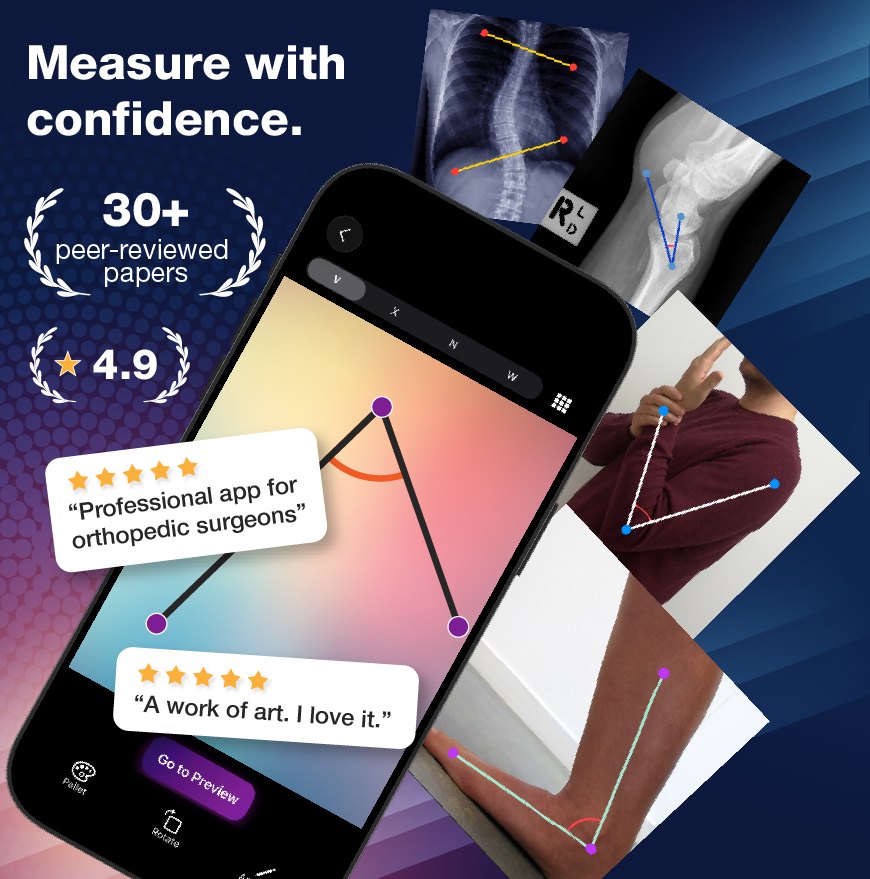
Trusted by clinicians across specialties
From range-of-motion checks to pre-surgical planning — the same measurements clinicians publish with.
Quadriceps (Q) angle, range of motion, alignment, and post-surgical assessment.
Rearfoot and medial arch angles, hallux valgus, and pediatric deformity tracking.
Cervical and thoracolumbar range of motion, and postural assessment.
Shoulder, elbow, wrist, and finger range of motion for rehab and hand therapy.
Hip and femoral angles, including radiographic measurement.
RULA/REBA posture scoring and musculoskeletal risk assessment in the field.
Angulus turns any photo into an accurate, repeatable, documented measurement.
Measure to a hundredth of a degree with real-time numeric readout as you adjust.
Fine-tune every pin with your fingertip. The angle updates live — no re-taking the photo.
Single, intersection, and multi-angle sequences cover ROM, alignment, and complex assessments.
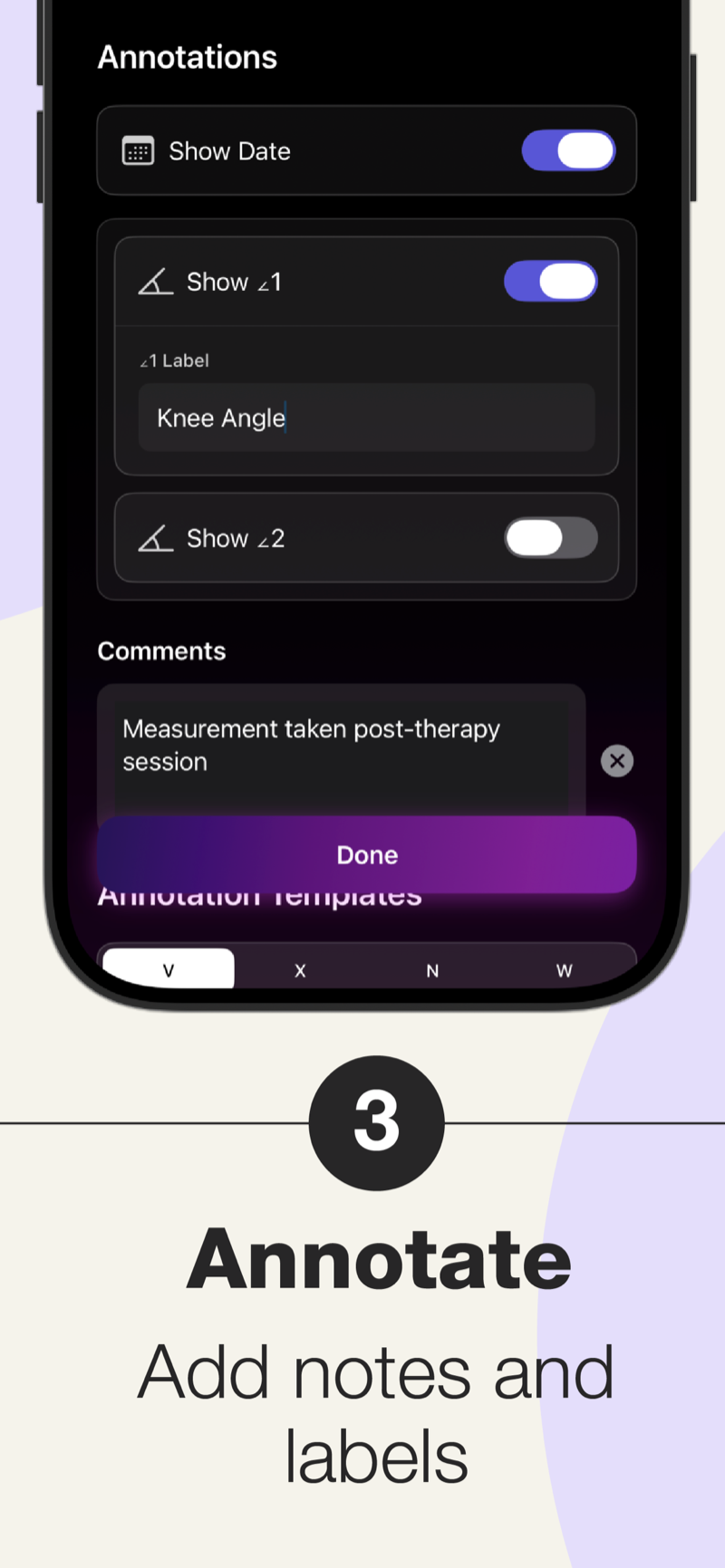
Add labels and notes directly on the image so every measurement tells the full story.
Save your common setups and repeat the same measurement in seconds, visit after visit.
Capture two independent measurements on the same photo, shown in distinct colors.
Measurement runs entirely on device. No connection, no account, no data leaves your phone.
Export your results and keep your measurement history in sync securely across your devices.
Align and overlay two photos to compare a joint before and after — powered by on-device image alignment.
Pick the mode that fits the assessment — from a single joint angle to a full multi-segment chain.
One vertex, one angle — the classic goniometer measurement.
The angle between two crossing lines — ideal for alignment.
Two linked angles along a segment chain in a single pass.
Up to three connected angles for complex, multi-joint work.
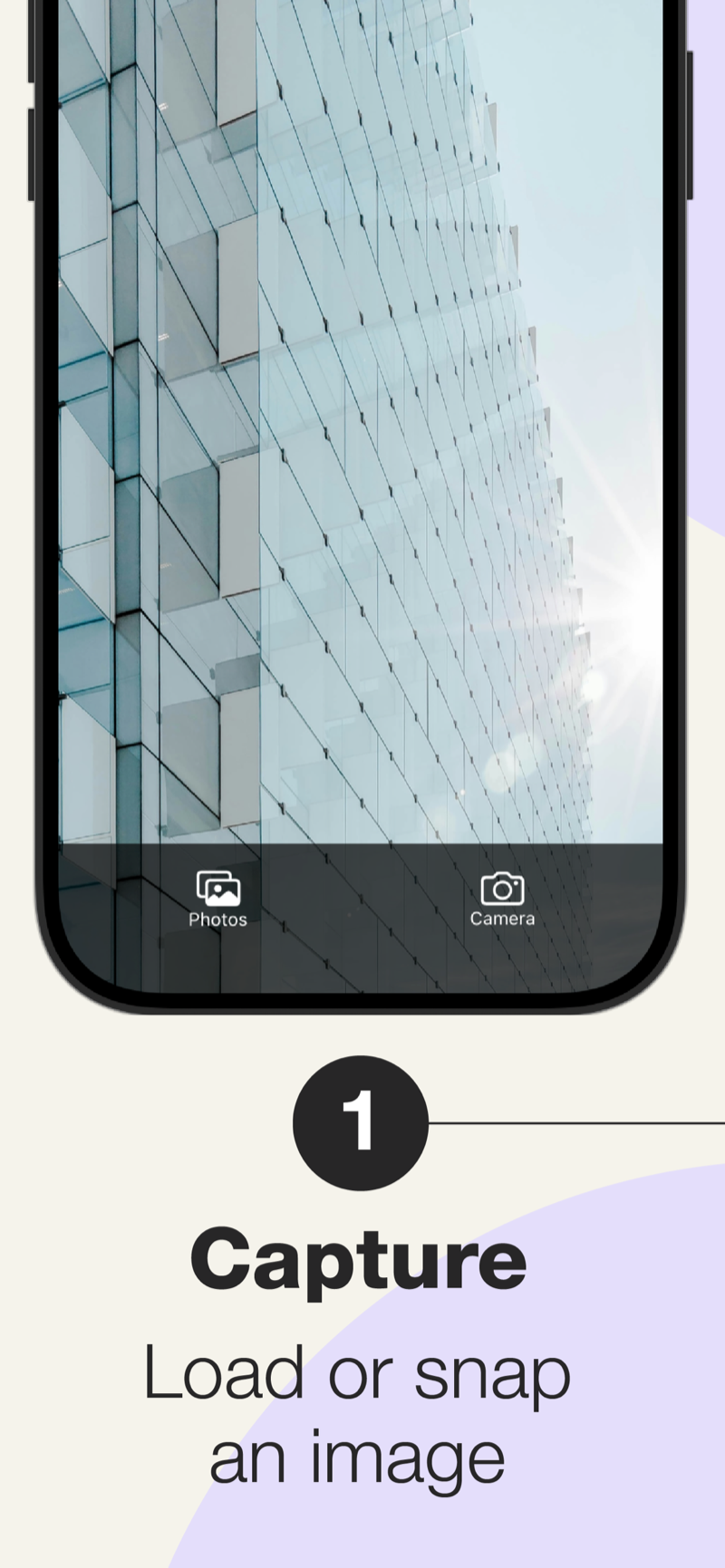
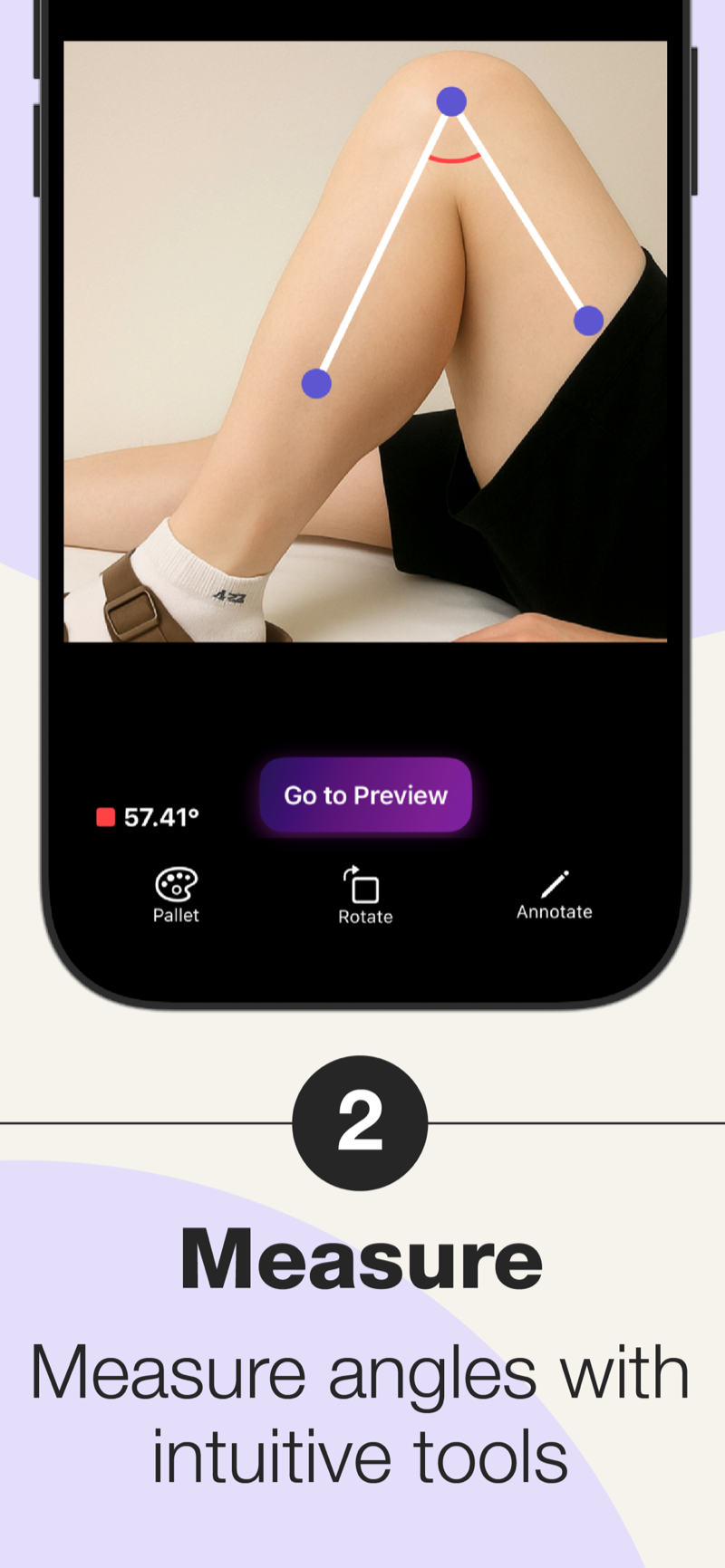
Capture or import an image, measure with draggable points, then annotate — that's the whole flow.
Angulus has been used and formally evaluated in independent, peer-reviewed studies — validated against manual goniometry and radiographic assessment across orthopedics, foot & ankle, spine, and rehabilitation.
Angulus reports angles to 0.01°. Accuracy in practice depends on how precisely you place the anchor points and on the camera angle relative to the subject — for best results, shoot square-on to the plane you're measuring.
No. Measuring works fully offline and requires no account. Your photos stay on your device. You only need a connection for optional features like cloud sync.
Yes, you can start measuring for free. A premium subscription unlocks unlimited daily measurements, cloud sync, reusable templates, and a second independent measurement per image.
Any angle you can see in a photo — joint range of motion, postural and spinal alignment, limb and segment angles, and more. Four measurement modes cover single angles through multi-joint chains.
Angulus is available for iPhone on the App Store and for Android on Google Play.